In Blurpeg now
Face
Finds the faces in a photo, right on the device. It powers the blurring in Blurpeg and spots faces near the trim in Vallopress.
Vision technology · Clever Iterations
The vision technology behind our products. It finds faces, frames photographs, checks print files and turns images into vector art.
We build Vectrari at Clever Iterations for our own products. Vectrari Face already runs on iPhone and iPad inside Blurpeg, finding faces to blur without your photos leaving the device. Stickerloom and Vallopress use it too.
Live · iPhone and iPad
Blurpeg™
Finds faces to blur, right on your device. You check every one before saving.
Live
Stickerloom®
Frames each photograph so the people in it stay in the picture, whatever the shape.
Pilots open
Vallopress®
Checks every print file for faces near the edge and text too small to read.
Where it stands
Live in two apps. Open for pilots in one more.
Vectrari Face ships in Blurpeg and Vectrari Vision powers Stickerloom today. Vallopress is open for pilots. We build Vectrari for our own products, so it isn’t sold on its own.
What it’s made of
Each area started with a problem in one of our products. Some are shipping, some are still being worked out.
In Blurpeg now
Finds the faces in a photo, right on the device. It powers the blurring in Blurpeg and spots faces near the trim in Vallopress.
Framing in Stickerloom
Maps the content regions in an image, the parts that matter, so a photograph can be framed or cropped without losing them.
In development
Turns photographs into clean vector artwork while keeping the subject intact.
Our own tool
The workspace we use to label images, check results and prepare tests for new models.
In development
Sorts and groups large photo collections, with a person making the final call.
Early days
Early work on understanding motion. Nothing to announce yet.
In our products
In each product, Vectrari handles the part that’s slow or fiddly to do by hand: spotting the faces, framing the photo, checking the file.
Vectrari Face finds the faces in your photos, right on your iPhone or iPad. Blurpeg suggests what to blur; you tap to show or blur each one and add anything it missed.
Good to know
Like any detector, it can miss a face or pick up something face-like, so Blurpeg asks you to check every photo before saving.
Vectrari Vision maps the content regions in each photograph, so Stickerloom can frame it for any shape without cutting anyone out.
How it helps
Used from the first layout through to the final export.
Vectrari finds the faces and text in each print file, so faces near the trim and text too small to read are flagged before anything goes to press.
How it helps
Live and taking pilot enquiries from print teams.
Examples
Outputs from our own builds. They show the approach, not a benchmark.
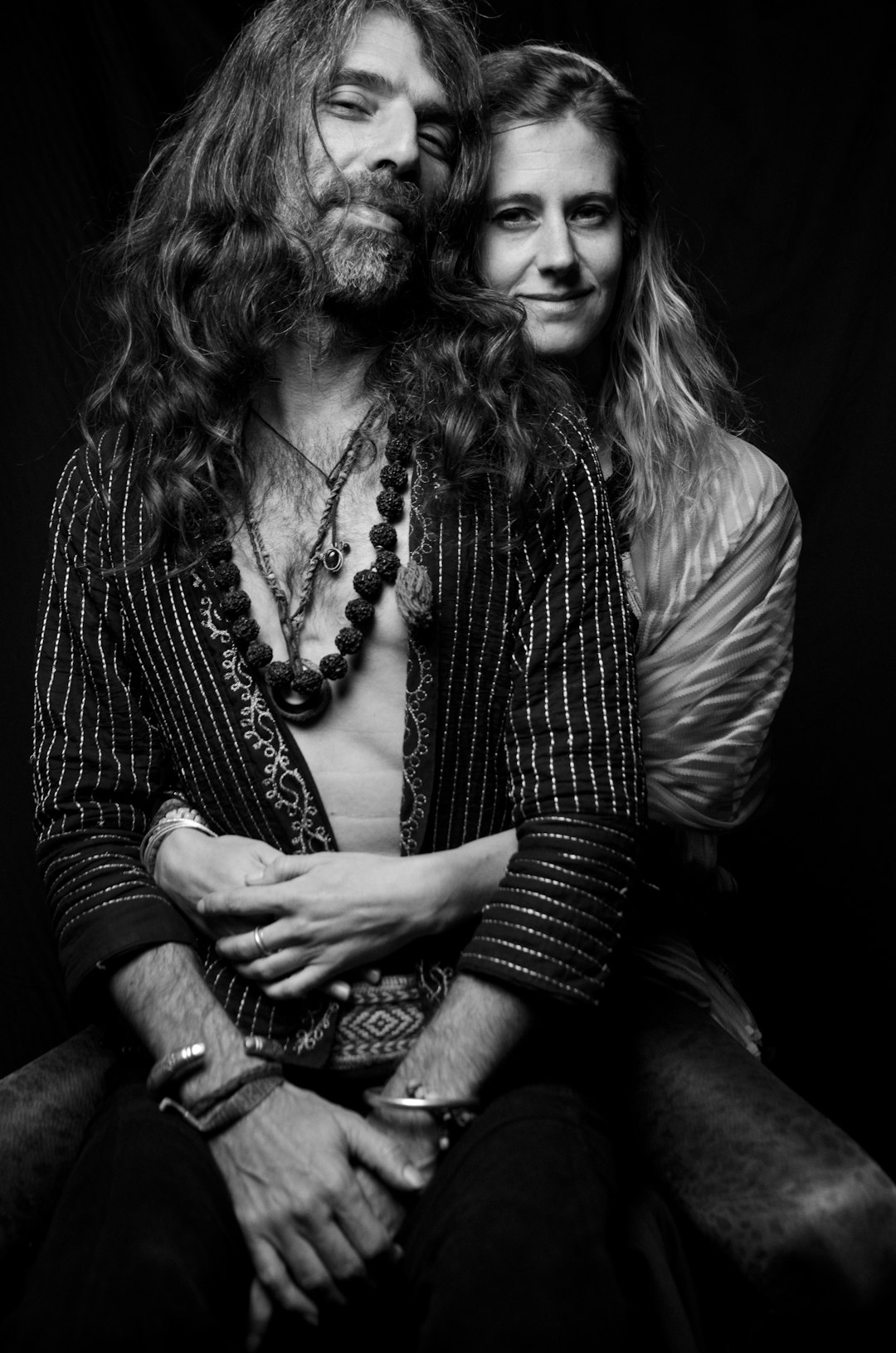
Stickerloom
One photograph framed for several shapes, using its content regions, faces included, to decide the crop.
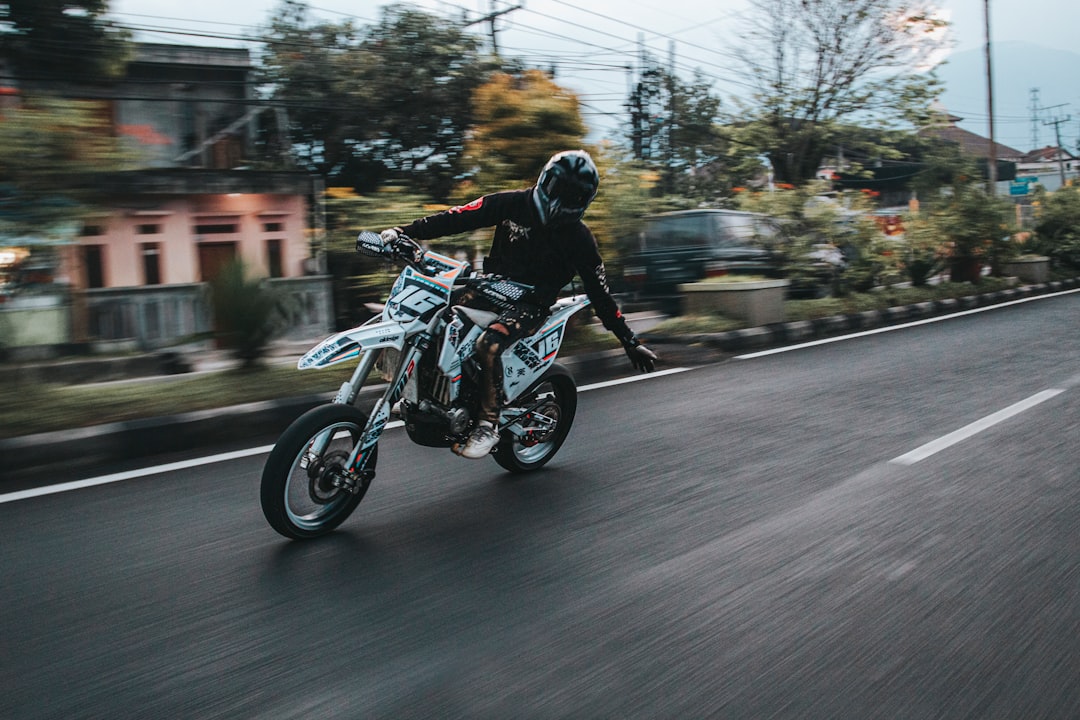
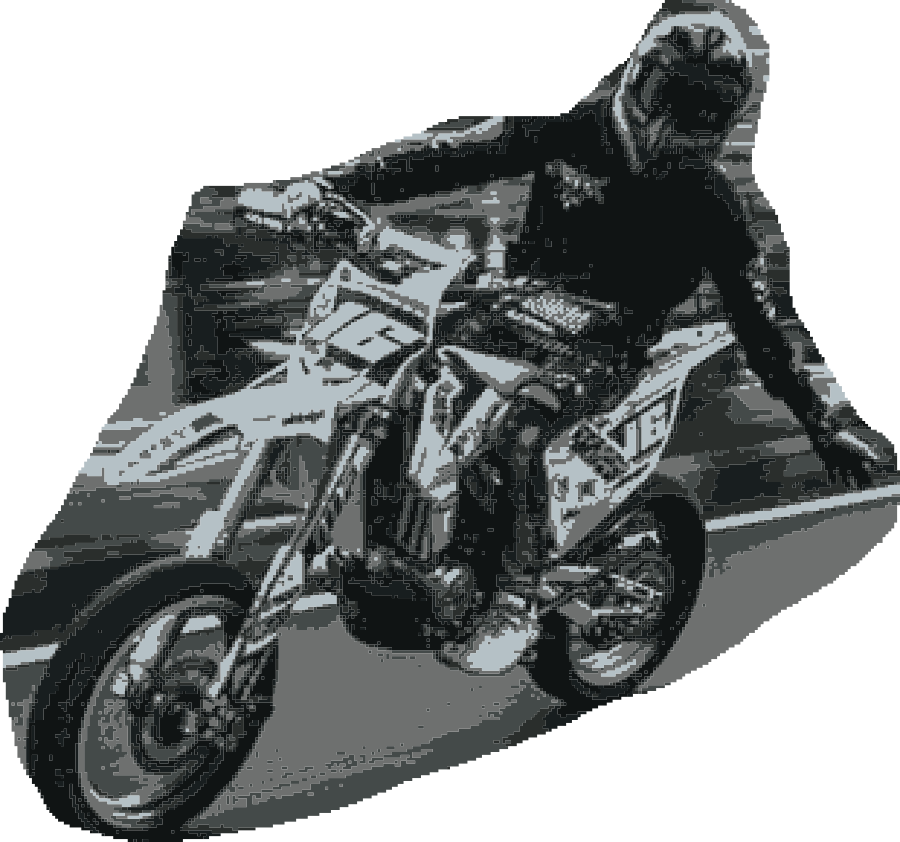
Stickerloom Silhouettes
A hand-drawn trace turned into a clean cutout.
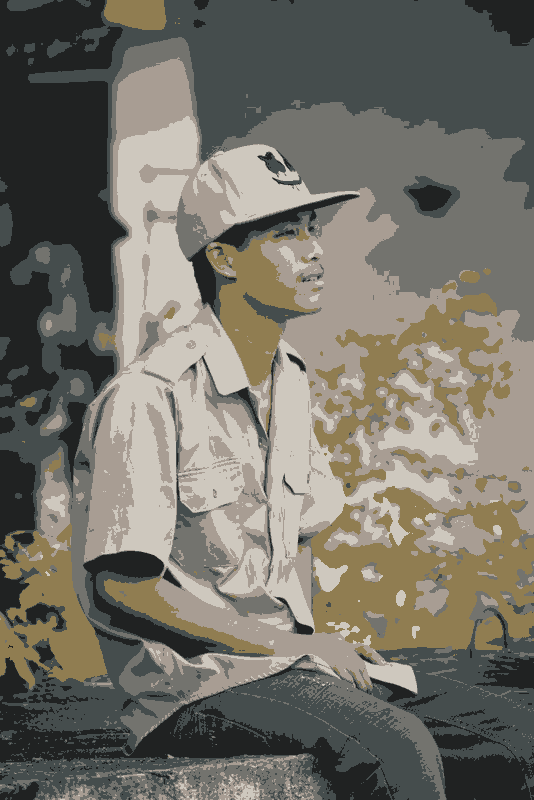
Vectrari® Vector
A photograph turned into vector art, with the subject kept intact.
How we work
Vectrari suggests; you decide. Every product that uses it shows what it found, so you can see it, change it and stay in charge of the result.
Tested
Every model is tested on images it has never seen before it goes into a product.
In your hands
Wherever a result matters, you can see it and change it.
Plain
Each model has one job, and we say what it is. No vague promises about what AI can do.
What’s next
Names and details may change as the work develops.
A workspace for visual review.
In development
Image grouping and human review workflows.
In development
Early motion-analysis work.
Early days
Contact
Choose a topic and prepare a direct note for the Vectrari® contact inbox.
The form opens a prepared email so you can review the details before sending.
Built by Clever Iterations.